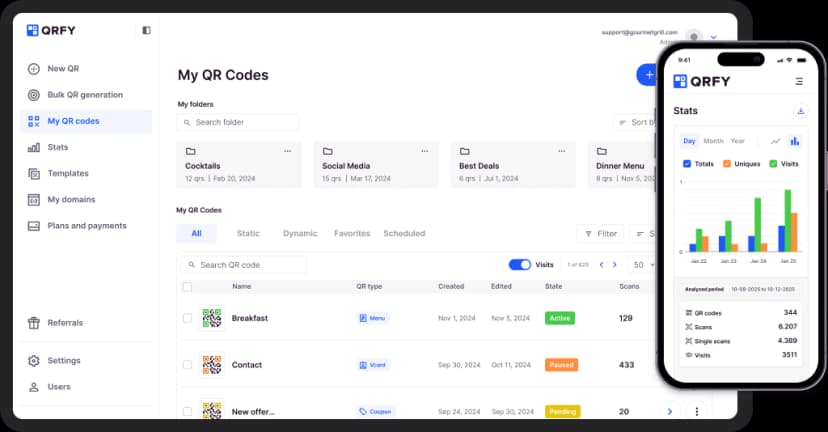
Learn about the PDF QR Code
The PDF QR Code lets you share documents instantly. Upload any PDF - brochures, menus, guides, manuals, or catalogs - and users can view or download it by scanning the QR code. Update your document anytime without changing the QR code.
Bring your ideas to life with the PDF QR
Easy upload
Drag and drop or browse to upload PDF files up to 50MB.
Mobile viewing
PDFs open in a mobile-optimized viewer - no app download needed.
Download option
Let users download the PDF to their device if you choose.
Update documents
Replace the PDF file without changing the QR code.
View tracking
Track how many times your document is viewed and downloaded.
Fast delivery
Global CDN ensures fast loading times anywhere in the world.
How to create a PDF QR Code
Upload your PDF
Drag and drop your PDF file or browse to select it.
Configure settings
Set display options and whether to allow downloads.
Generate and share
Create your QR code and add it to your print materials.
Use it in your industry

Restaurants

Hotels

Stores

Products

Electronics

Editors

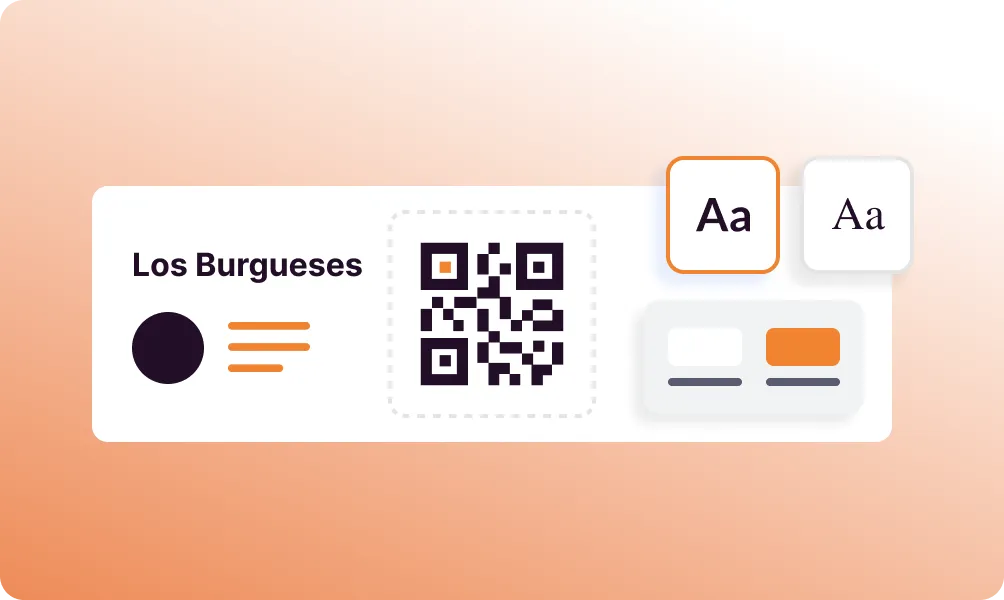
Popular use cases
- Restaurant menus
- Product catalogs
- User manuals
- Marketing brochures
- Event programs
- Real estate flyers
- Educational materials
- Price lists and spec sheets
Dynamic QR Codes
Edit content anytime without reprinting
Bulk Creation
Create hundreds of QR codes at once
Advanced Analytics
Track scans, locations, and devices
Priority Support
Get help when you need it