Learn about the Event QR Code
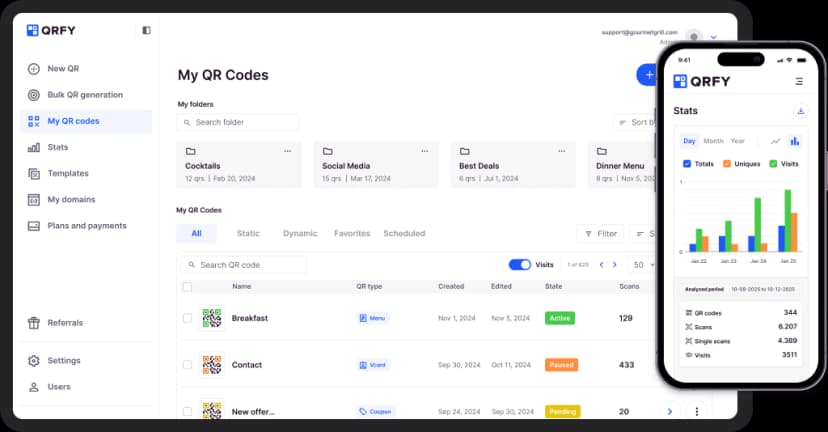
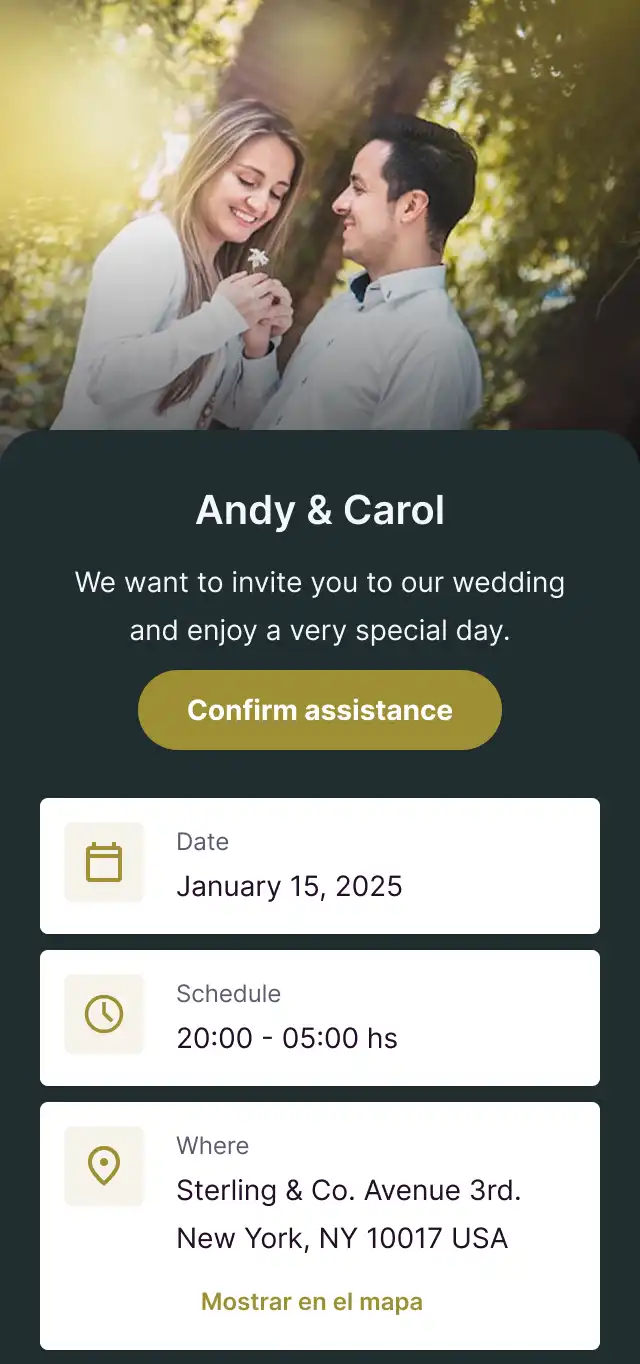
The Event QR Code displays all your event information beautifully - date, time, location, description, and more. Attendees can add the event to their calendar with one tap, get directions, and RSVP instantly. Perfect for conferences, concerts, weddings, and any type of event.
Bring your ideas to life with the Event QR
Complete event details
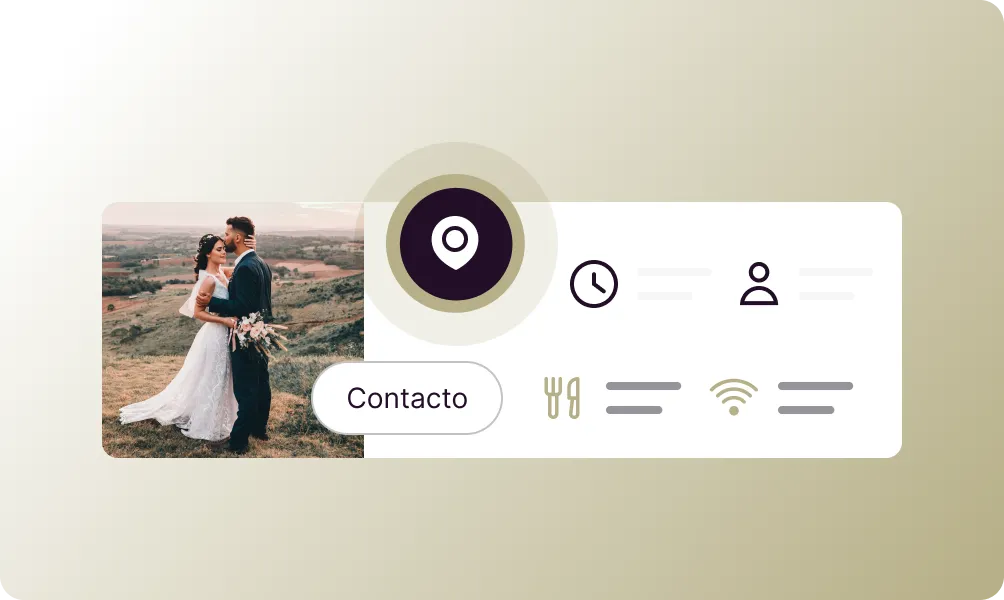
Display event name, date, time, location, and full description.
Add to calendar
One-tap add to Google Calendar, Apple Calendar, or Outlook.
Interactive map
Show venue location with directions and navigation.
RSVP functionality
Collect attendee registrations and manage capacity.
Ticket integration
Link to ticket purchase or registration pages.
Event updates
Update event details without changing the QR code.
How to create a Event QR Code
Enter event details
Add your event name, date, time, location, and description.
Configure options
Enable RSVP, add ticket links, and set up calendar integration.
Share your event
Download the QR code and add it to invitations and promotions.
Use it in your industry

Clinics

Education

Organizations

Gyms

Art & Culture

Celebrations

Popular use cases
- Conference invitations
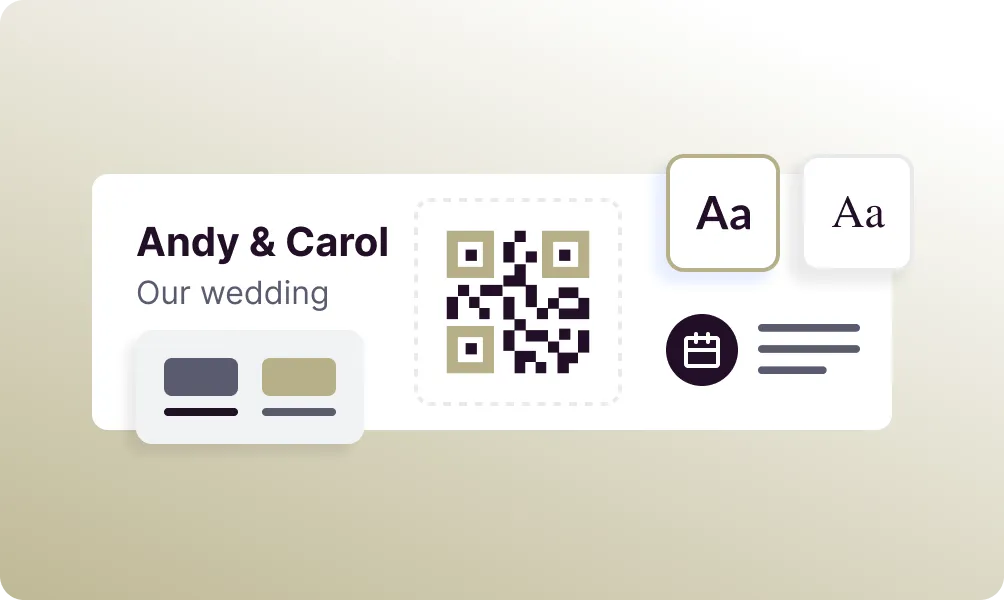
- Wedding save-the-dates
- Concert promotions
- Trade show booths
- Corporate events
- Birthday parties
- Webinar registrations
- Community meetups
Dynamic QR Codes
Edit content anytime without reprinting
Bulk Creation
Create hundreds of QR codes at once
Advanced Analytics
Track scans, locations, and devices
Priority Support
Get help when you need it