Learn about the Images QR Code
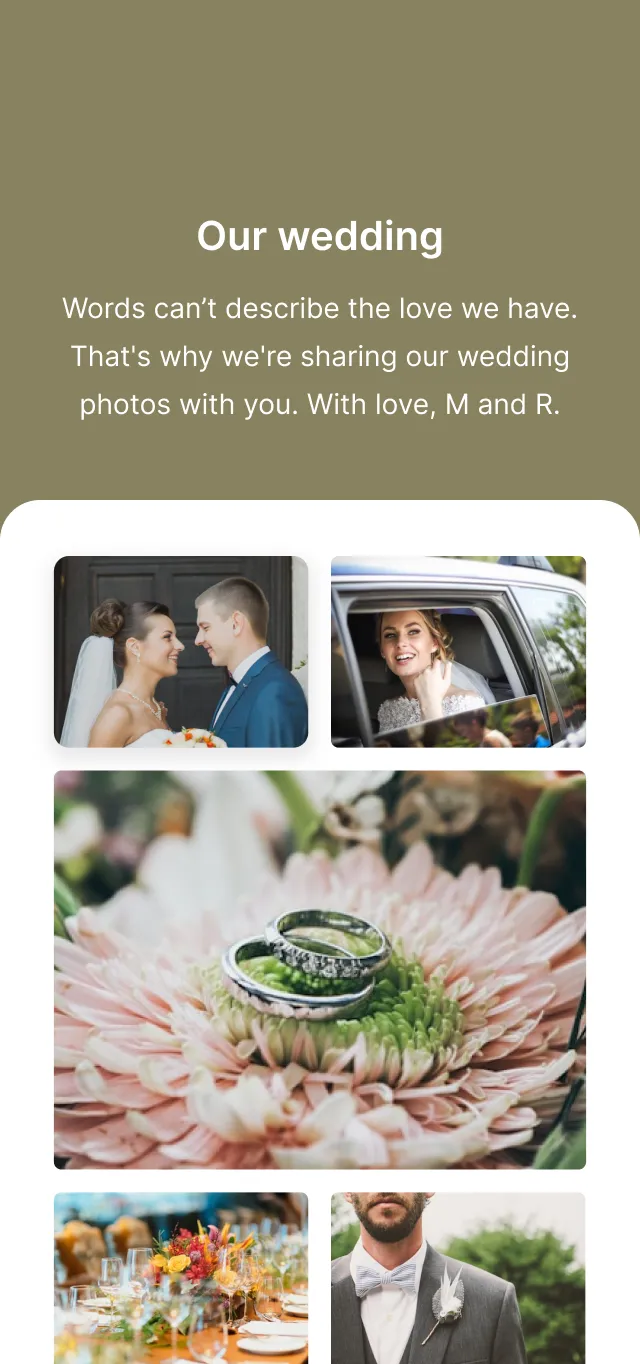
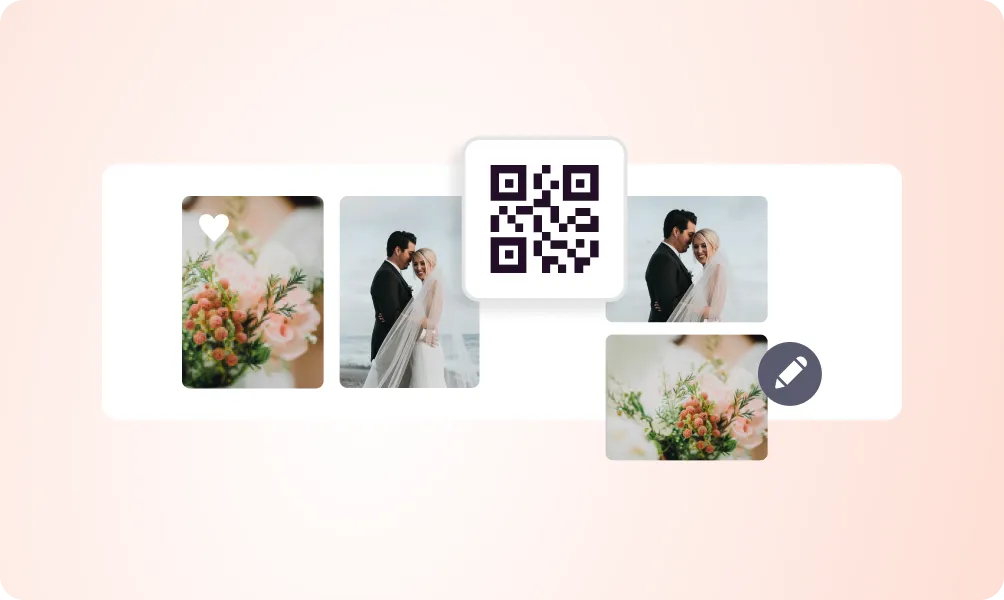
The Images QR Code creates a stunning photo gallery that opens when your QR code is scanned. Upload multiple images to create portfolios, product galleries, event photos, or any visual content. Images are displayed in a mobile-optimized gallery with zoom and swipe functionality.
Bring your ideas to life with the Images QR
Multiple image uploads
Upload and organize multiple images in a beautiful gallery layout.
Full-screen viewing
Images open in a full-screen viewer with zoom and swipe gestures.
Image captions
Add titles and descriptions to each image in your gallery.
Download option
Allow viewers to download images if you choose.
Gallery layouts
Choose from grid, masonry, or slideshow gallery styles.
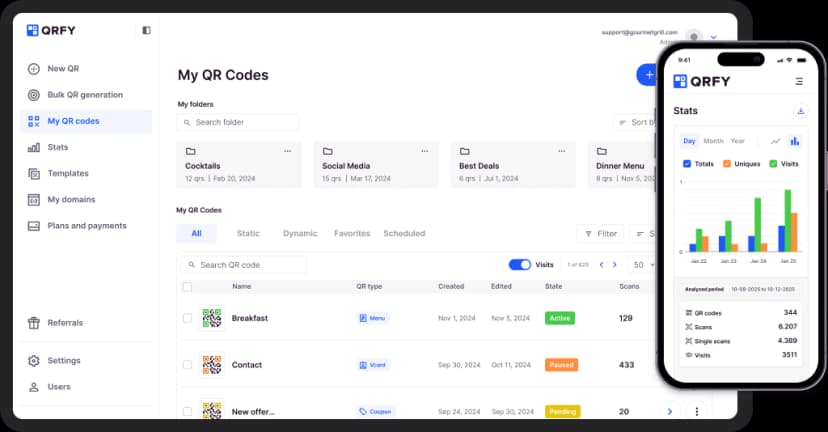
View tracking
Track how many people view your gallery and which images are most popular.
How to create a Images QR Code
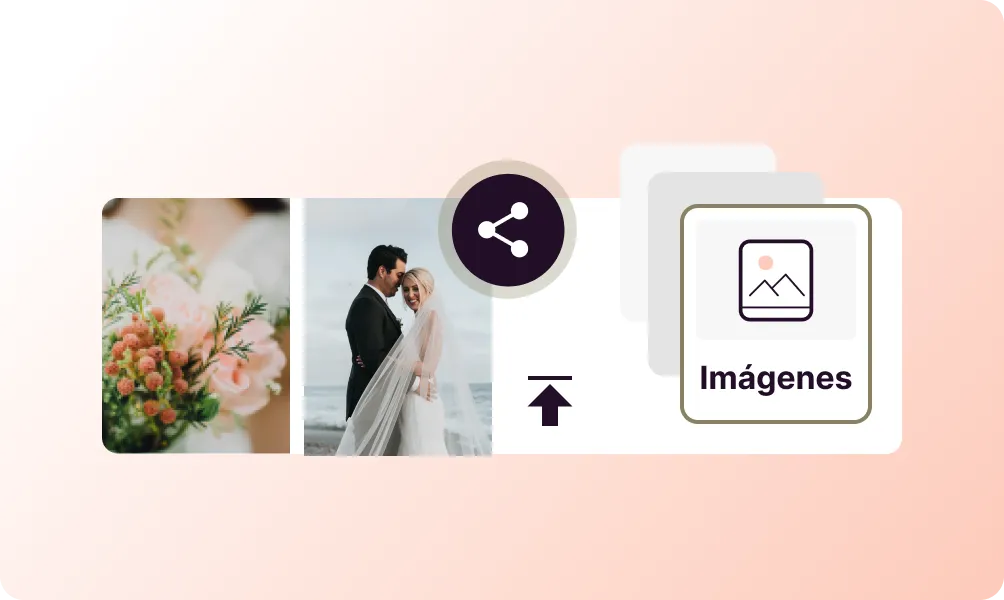
Upload your images
Drag and drop your images or browse to upload multiple files at once.
Organize and describe
Arrange image order and add captions or descriptions.
Customize and share
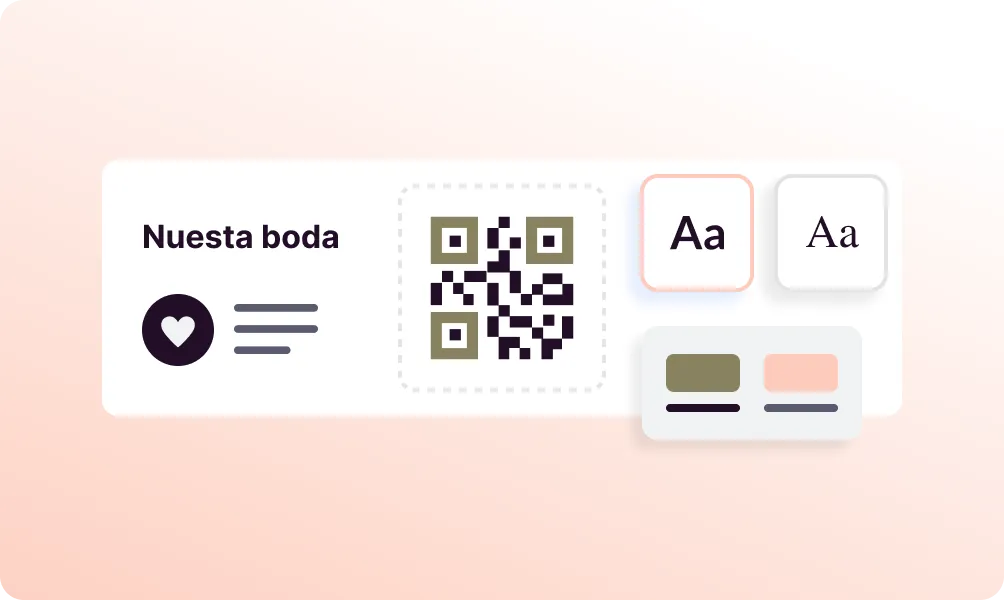
Choose your gallery style, customize the QR code, and share.
Use it in your industry

Lodging

Food Products

Events

Photographers

Restaurants

Companies

Popular use cases
- Photography portfolios
- Product catalogs
- Real estate listings
- Event photo sharing
- Art exhibitions
- Before/after comparisons
- Menu with photos
- Travel photo albums
Dynamic QR Codes
Edit content anytime without reprinting
Bulk Creation
Create hundreds of QR codes at once
Advanced Analytics
Track scans, locations, and devices
Priority Support
Get help when you need it