Learn about the Email QR Code
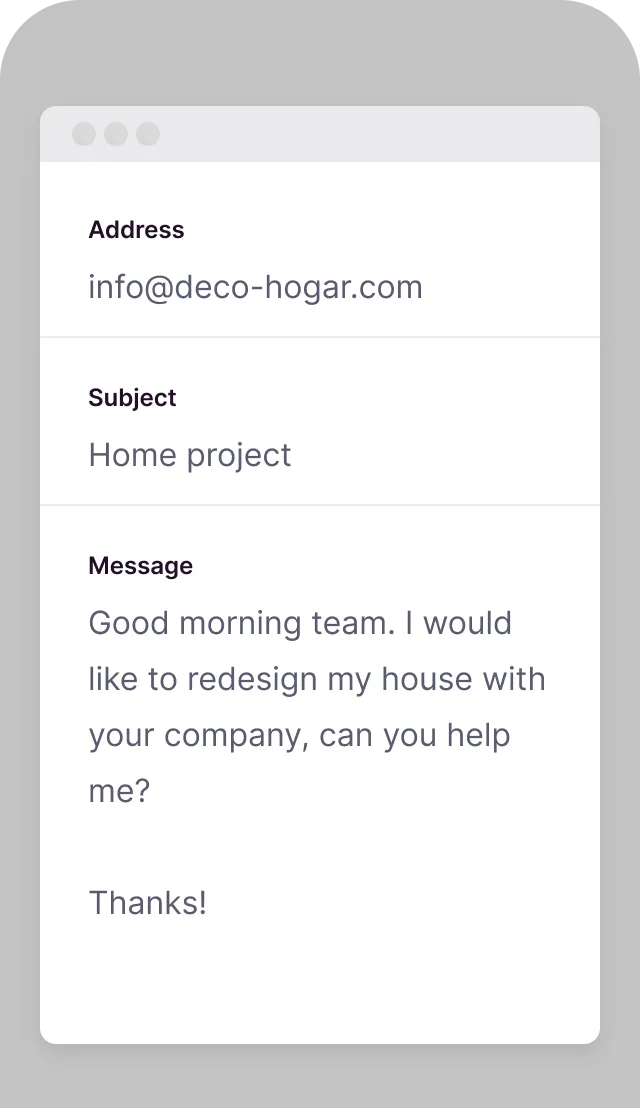
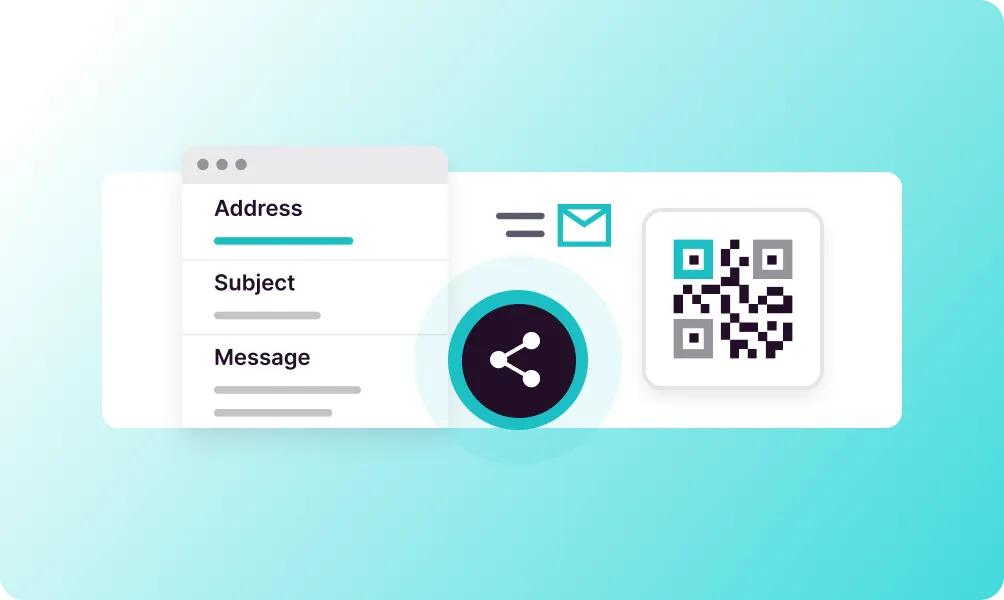
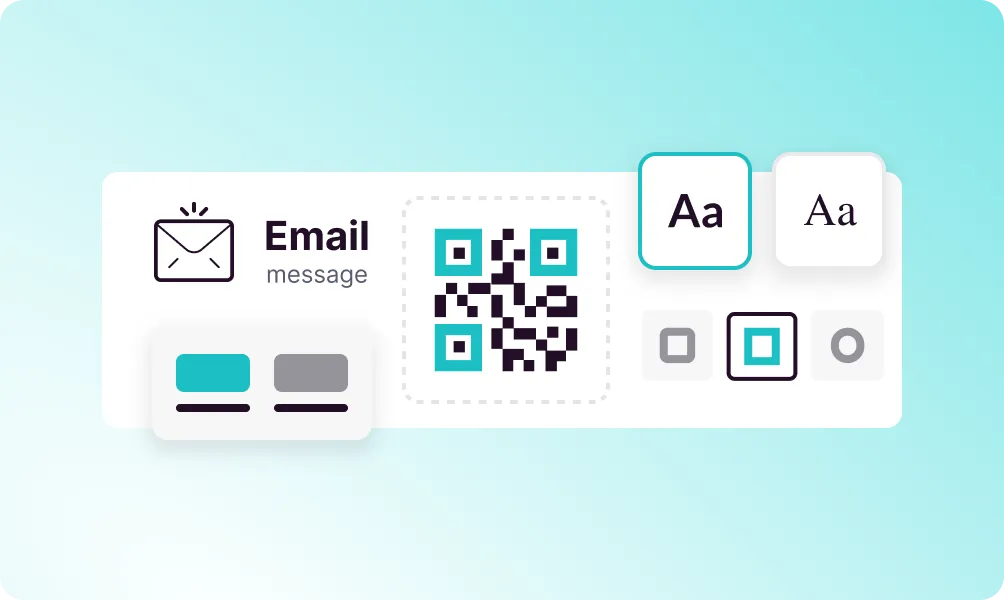
The Email QR Code allows users to send you a pre-composed email with a single scan. You can pre-fill the recipient address, subject line, and even the message body. This removes friction from customer communication, making it incredibly easy for people to reach out, provide feedback, or request information.
Bring your ideas to life with the Email QR
Pre-filled Content
Set the recipient, subject, and message body in advance.
Multiple Recipients
Add CC and BCC recipients to your email template.
Instant Action
Opens the default email app ready to send immediately.
No Typing Required
Users just scan and send - no manual entry needed.
Universal Compatibility
Works with all email clients on any device.
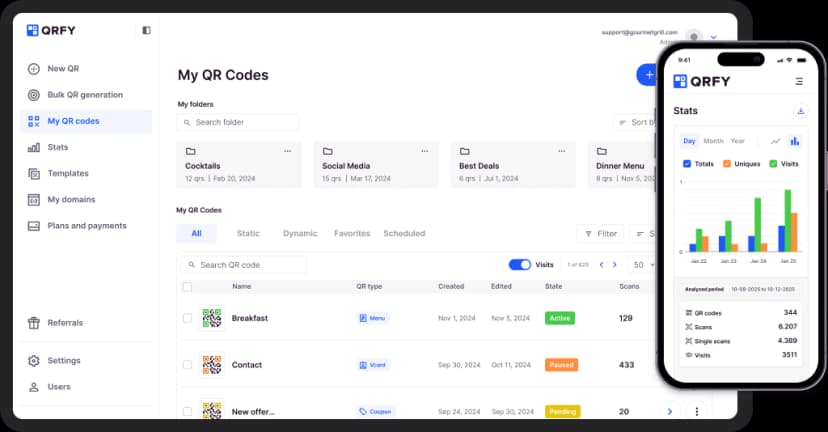
Track Engagement
Monitor how many people scan your email QR codes.
How to create a Email QR Code
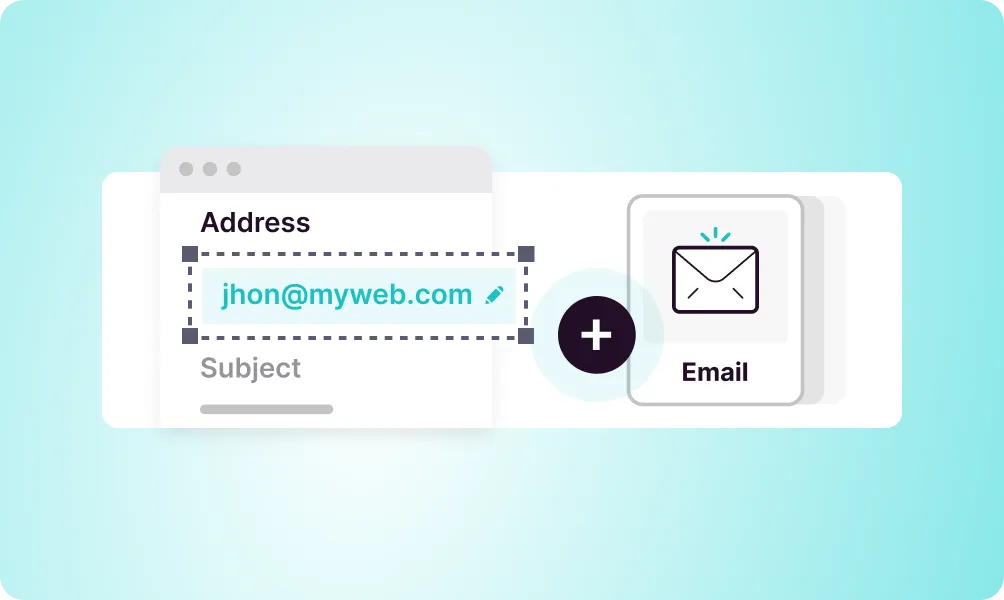
Enter email address
Add the recipient email address where messages should be sent.
Set subject line
Create a pre-filled subject line to categorize incoming messages.
Add message template
Optionally include a pre-written message body for users to customize.
Generate and share
Create your QR code and add it to business cards, flyers, or displays.
Use it in your industry
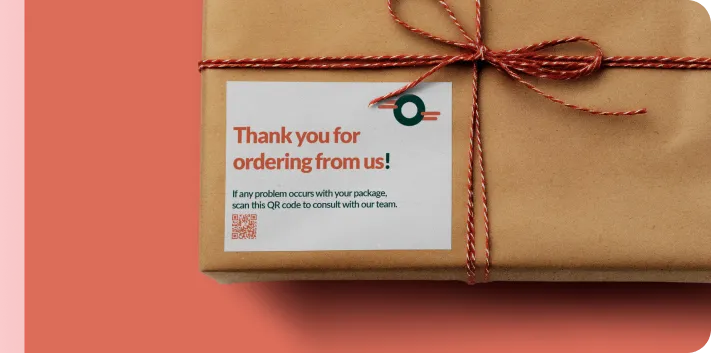
Retail
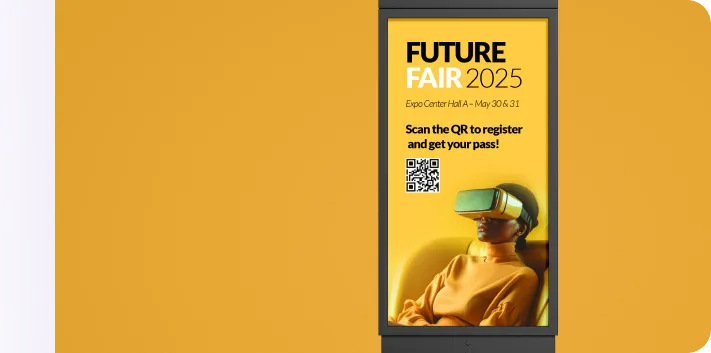
Events
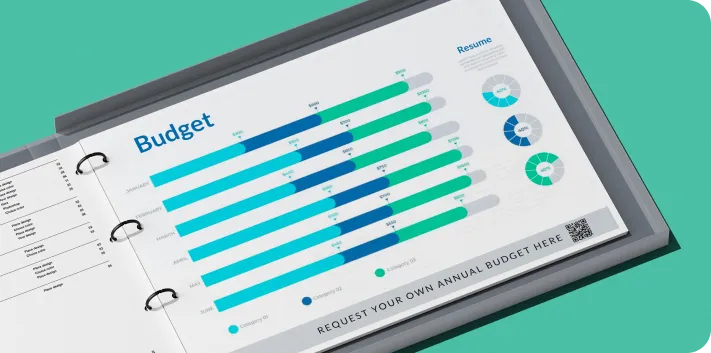
Business
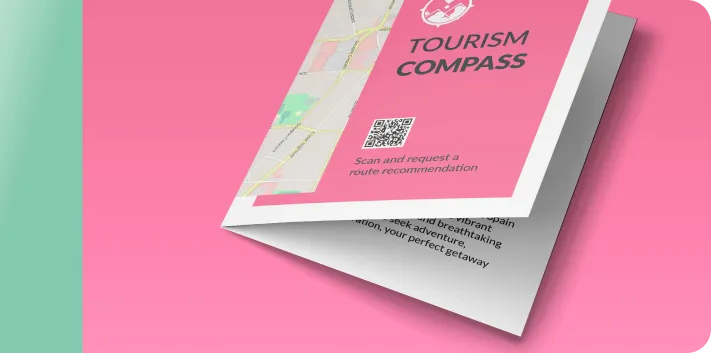
Tourism
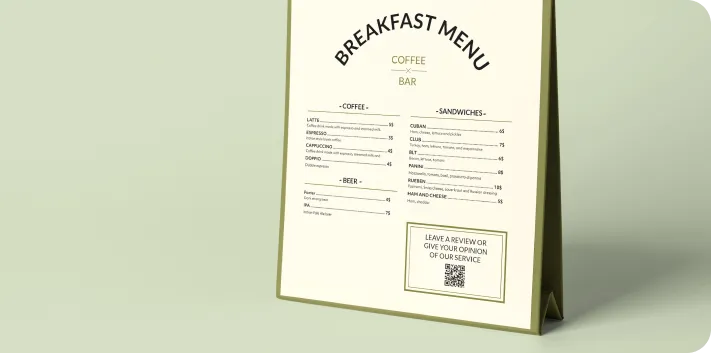
Restaurants
Popular use cases
- Customer support requests
- Feedback and survey collection
- Business card contact info
- Newsletter subscription requests
- Quote and inquiry requests
- Job application submissions
Dynamic QR Codes
Edit content anytime without reprinting
Bulk Creation
Create hundreds of QR codes at once
Advanced Analytics
Track scans, locations, and devices
Priority Support
Get help when you need it